

| |
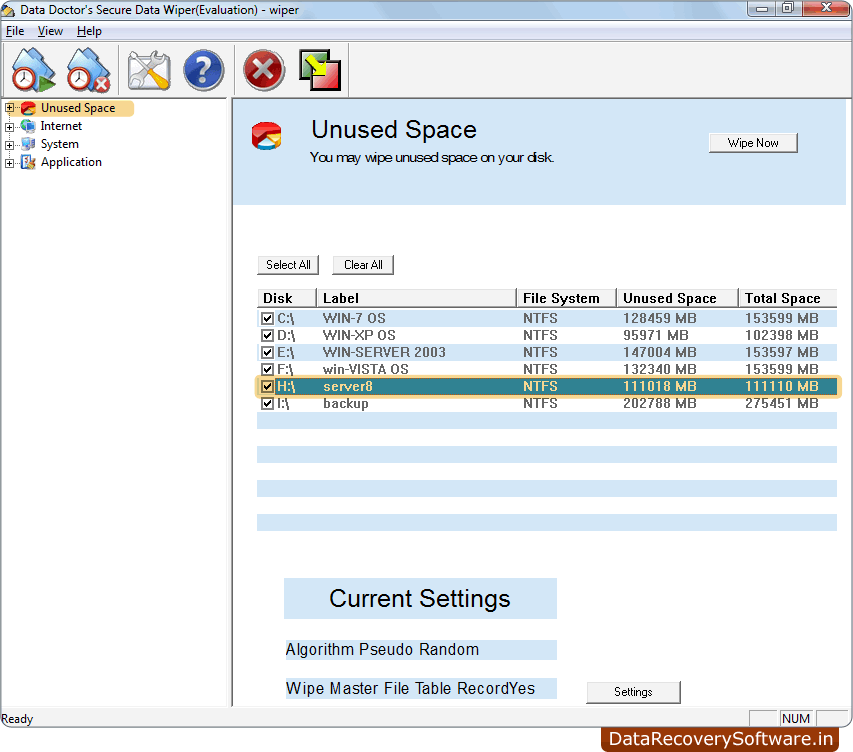
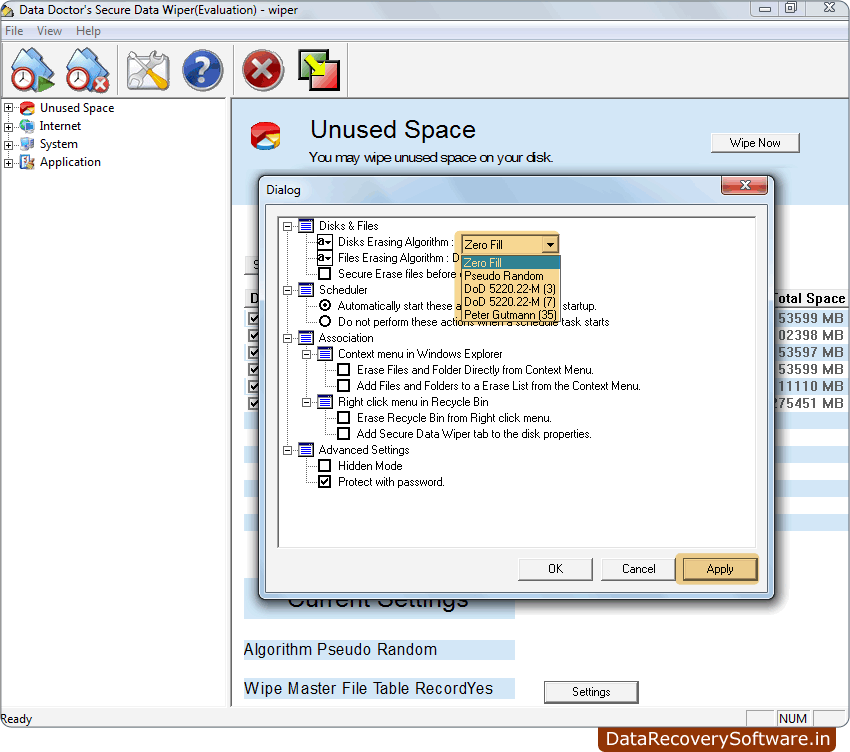
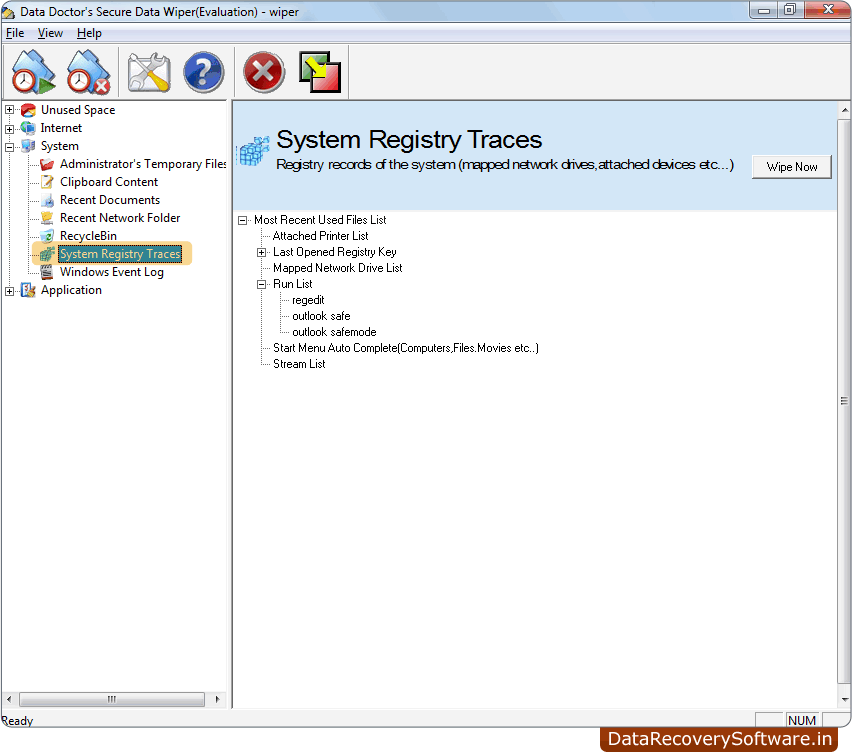
Data Wiping Software completely wipes and removes entire or selected files and folders, entire logical disk drive, unused disk space on your hard drive disk and Removable Storage Media to safeguard your computer privacy from unauthorized user access. Data Wiping software permanently cleans and removes your offline and online internet activities including History folders, cookies, URL list, and Internet temporary folders, and eliminates passwords (ever entered) from PC drives to improve overall performance and speed of Desktop PC/Laptop.
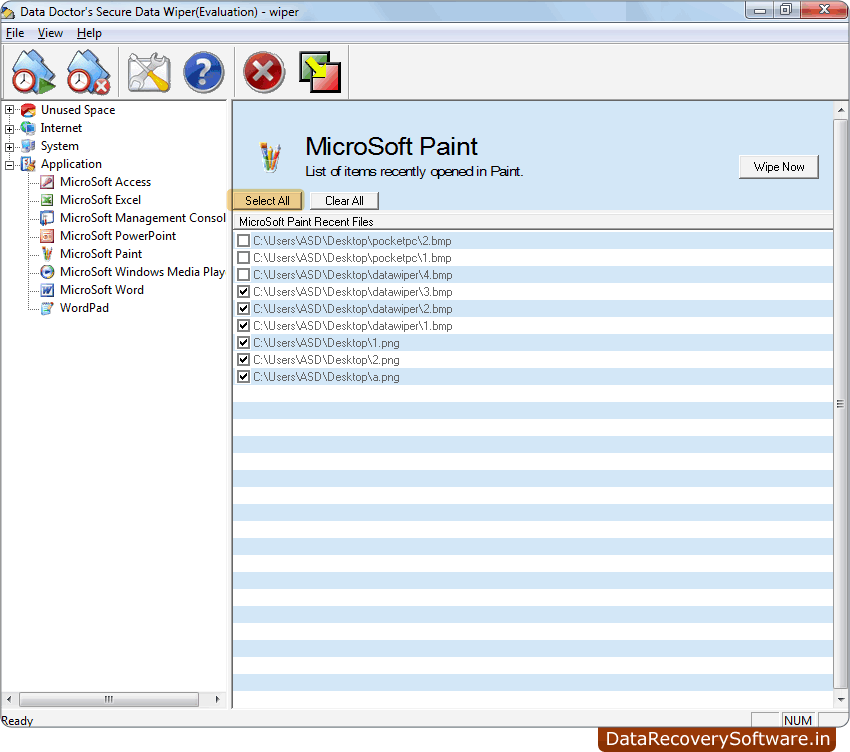
Data cleaner software supports all type of external removable media drives like USB drive, memory card, pen drive, Zip drive, thumb drive etc for permanent data removal. Secure disk data wiper is fully capable for totally wiping the entire disk drive or selected files and folders including most recently used application of Microsoft word, Excel, Access, PowerPoint slides and various other system files for your computer safety.
Software Features:
- Completely wipes deleted and non-deleted unused data and information from your PC.
- Wipe vacant disk space for system performance.
- Completely erases all offline and online internet activities.
- Permanently cleans entire hard disk or removes selected files and folders.
- Erases all typed URL list, Internet files and eliminates password.
- Support all type of external removable media drives (like USB drive, memory card and pen drive etc).
- Provides user-friendly interface for easy understanding.
Software System Specification:
- Operating System: Windows 98/2000/2003 server/NT/ME/XP/Vista
- Processor: Pentium or equivalent class processor
- Memory: 128 MB RAM (recommended) and 10 MB free Hard Disk space.
Data Wiping Utility completely cleans selected files, folders and unused disk space for the better system performance. Simple and reliable data removable tool is helpful for computer privacy or for users who don’t want to access their deleted data by any external person. Download free evaluation version of Data Wiping Software demo to examine its features and working.
|
|